
A new update has arrived for the “Nintendo GameCube – Nintendo Classics” app, which adds a new feature that Switch Online subscribers have been requesting since 2018.
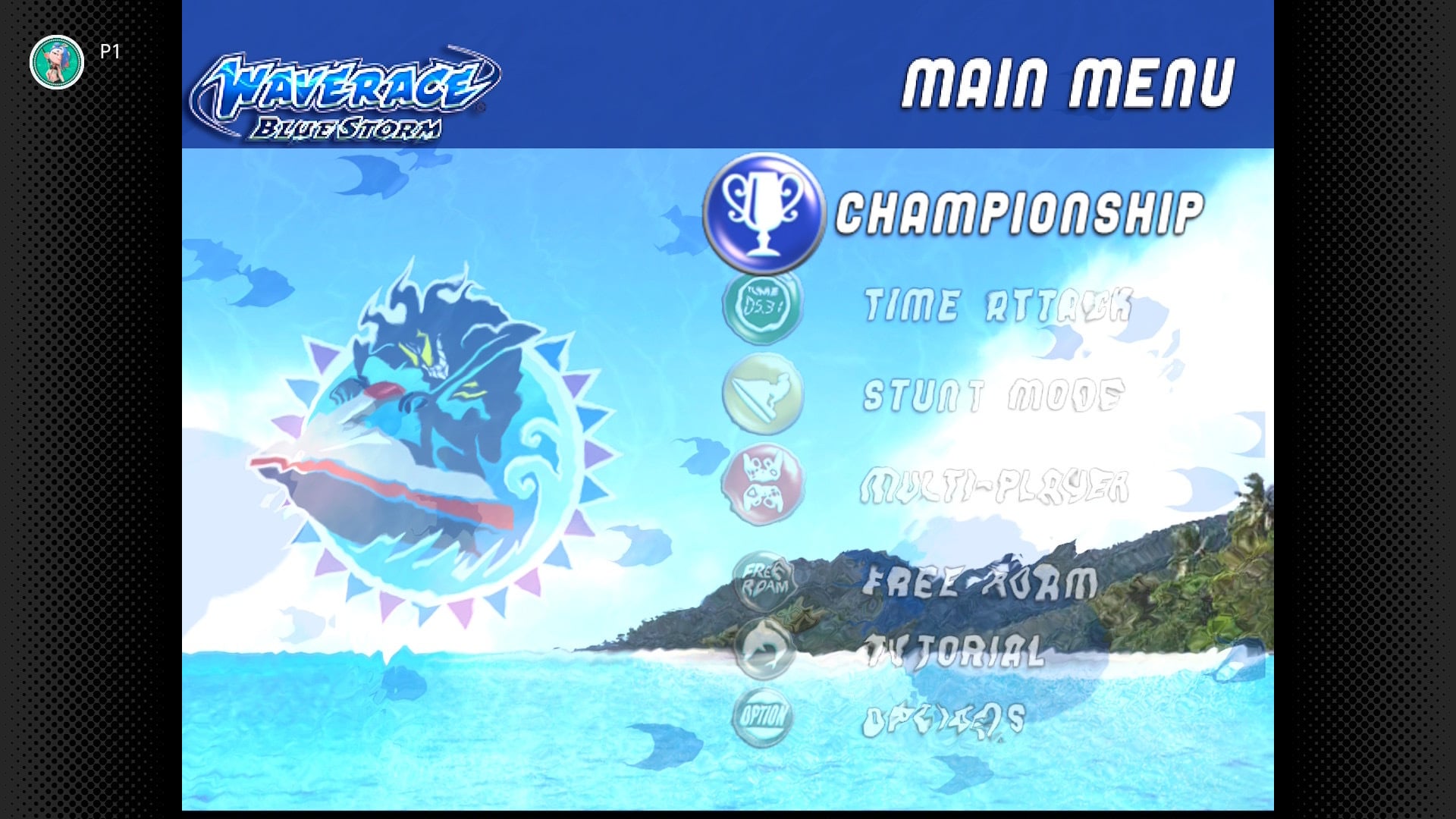
The app’s border graphics, which some players consider to be a distraction, can now be switched off. To do so, users must navigate to the settings menu and select “Extra Elements Display.” Here, the “Border graphics” option can be toggled on and off.
So far, this option is only available in the GameCube app, and has yet to arrive within the other Classics apps (such as NES, SNES, Nintendo 64, etc.). It should also be noted that, even with the border graphics switched off, the player profile icon in the top-left corner will remain onscreen.
-
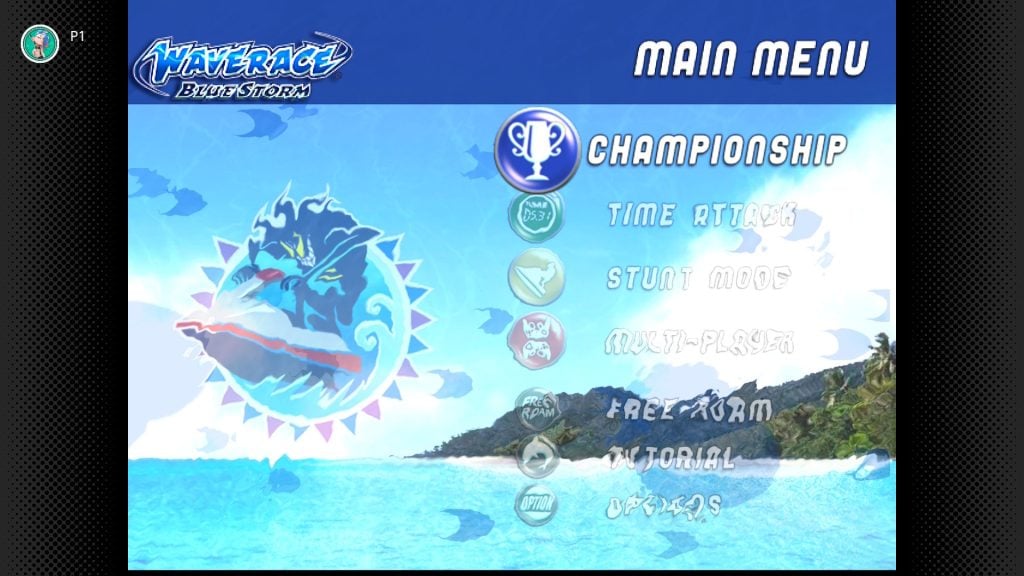
- Border
-
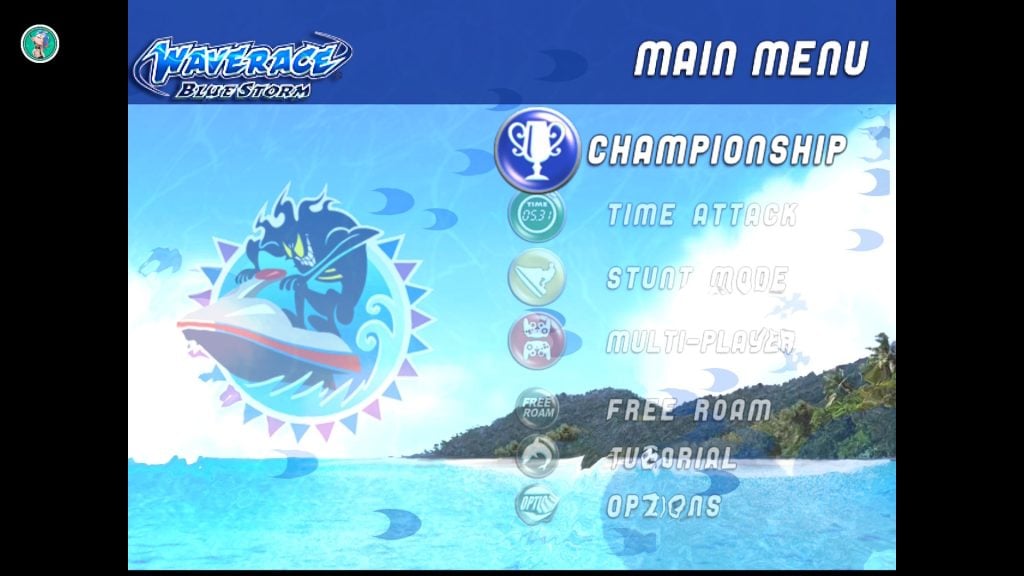
- No Border
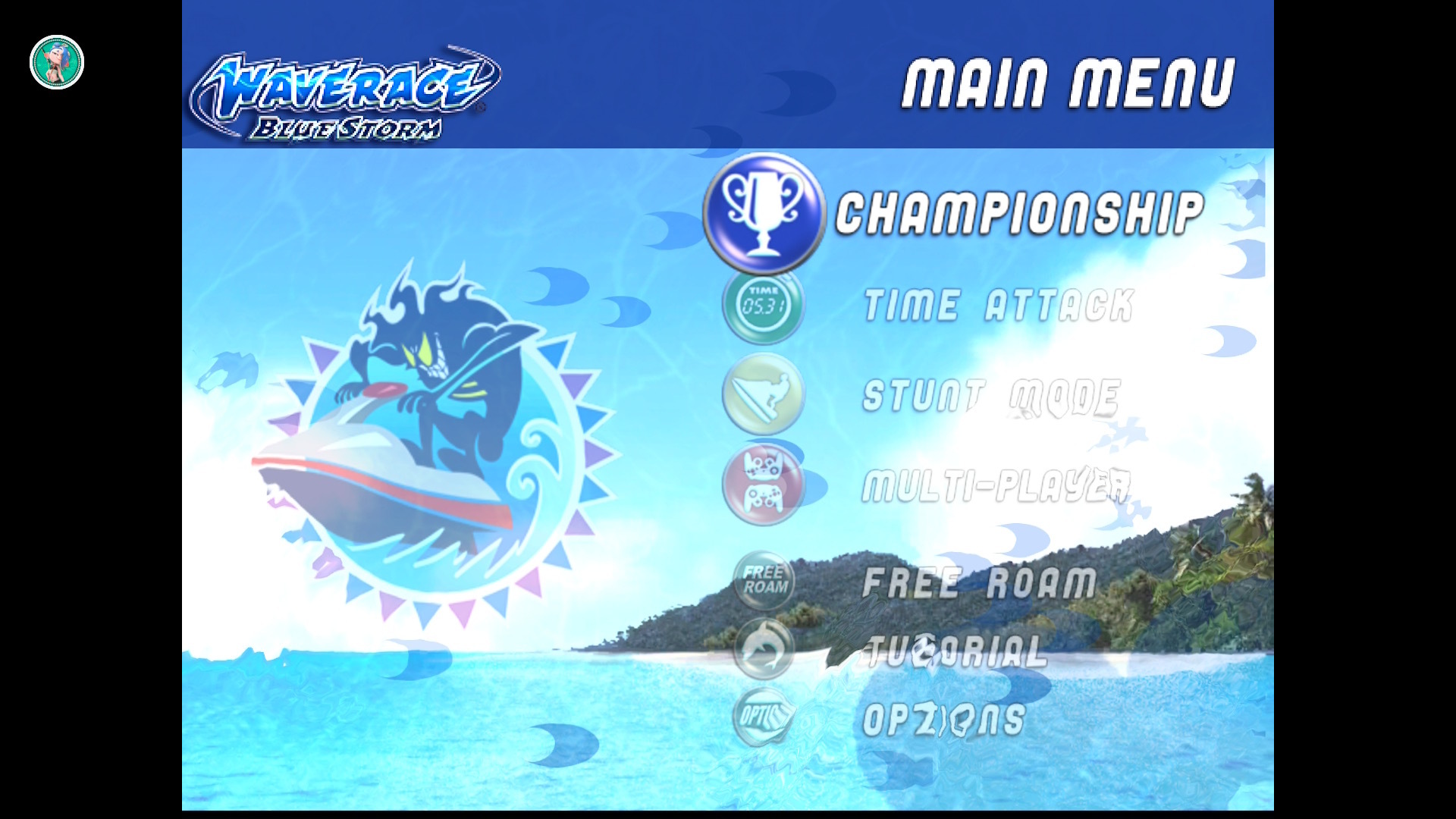
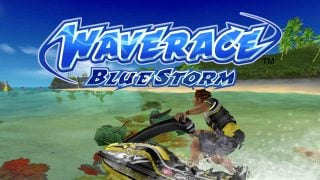
The GameCube Classics app has also seen a new addition with 2001’s Wave Race: Blue Storm, a system launch title and sequel to Wave Race 64.
An active subscription to Nintendo Switch Online + Expansion Pack is required to access the GameCube library on Switch 2. It is $49.99 for a year of membership.
Check out more Switch Online content
Wario Land and Dr. Mario + Puzzle League double pack headline July’s Switch Online update
Leave a Comment

Written by Reece Heather
A veteran Zelda Universe editor and First-class journalism graduate, Reece emerged with a Nintendo 64 and a lifelong obsession after a narrow escape from Santa’s Naughty List in 1998. Outside of games, he’s reading Punisher comics, being bossed around by his cocker spaniel, and cornering innocent bystanders to rant about the importance of game preservation.
