


Last night, Nintendo dropped one of the biggest updates we’ve seen so far for the Switch 2. No, it’s not themes — but arguably, it’s even better!
Switch 2 system update Version 22.0.0 introduces a brand new feature called Handheld Boost. This new mode allows original Nintendo Switch games running in handheld mode on Switch 2 to output docked-level performance, including increased resolution and improved graphical fidelity.
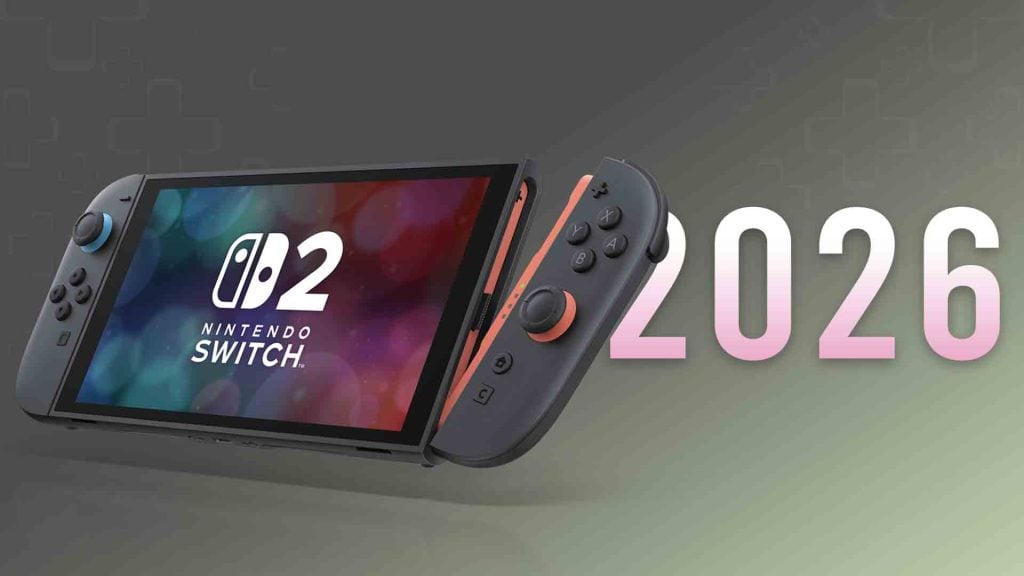
To activate Handheld Boost, follow the steps below:
- Select System Settings on the HOME Menu.
- Scroll down through the System Settings menu and select System.
- Scroll down on the right and select Nintendo Switch Software Handling.
- Select Handheld Mode Boost to enable or disable the setting.
You can activate Handheld Boost right now via the latest system update. While most games should work without any issues, Nintendo did release a short list of things to keep in mind when activating this mode:
- May increase the system’s power consumption
- The effect of Handheld Mode Boost will vary based on the software
- May prevent Nintendo Switch software from using the system’s touch screen and will cause attached Joy-Con 2 controllers to be treated as a Nintendo Switch 2 Pro Controller
- To use other controllers, first detach the Joy-Con 2 controllers from the console

Written by Jason Ganos
Nintendo super fan since birth, Jason is the creator of Amiibo News and editor-in-chief at Nintendo Wire. One of his life goals is to provide the latest Nintendo news to fellow gamers with his natural know-how.
